Radiant Optimizer alternatives
Changing settings, measuring FPS and checking stability are different jobs. Pick a tool for the problem you want to solve, then test one change at a time.
Radiant Optimizer and Process Lasso focus on controls. CapFrameX captures game performance. OCCT tests component stability and benchmarks.
Compare tools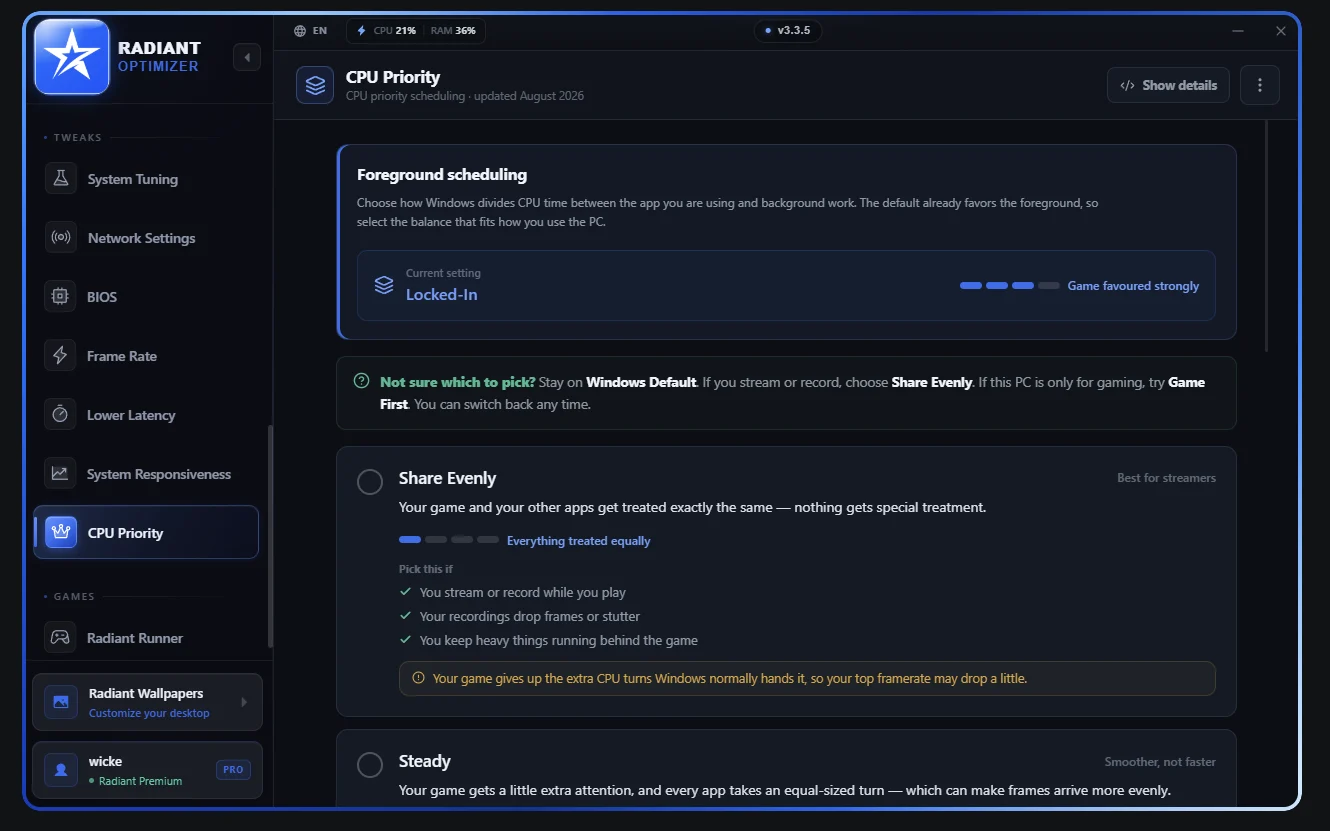
Choose by task
4 matching tools
| Tool | Use it for | Free access | Paid features |
|---|---|---|---|
| Radiant Optimizer | Windows controls and game configuration presets | Free access to menus and a subset of settings | $57.77 once; one-PC license |
| Process Lasso | Process priorities, CPU affinities, CPU Sets and ProBalance | Core personal-use features continue without a time limit | Pro adds features such as CPU Limiter and Power Plan Automation |
| CapFrameX | Capture, analyze and compare game frame times | Free, open-source application | No paid feature tier |
| OCCT | Stability tests, monitoring and component benchmarks | Personal edition; one-hour test limit and cooldown | Supporter removes test-duration limits and adds reports |
Radiant Optimizer
Find your game in Game Profiles, then compare a single change.
Process Lasso
Choose it when the problem concerns process scheduling or persistent CPU rules.
CapFrameX
Capture the same scene repeatedly; compare FPS, 1% lows and frame-time behavior.
OCCT
Investigate instability separately from a game FPS comparison.
Build a useful before-and-after test
- Keep the game scene, resolution, preset, hardware and capture duration the same.
- Collect repeated baseline runs. Change one setting, then repeat the same captures.
- Compare average FPS, 1% lows and frame times in the FPS comparison tool. Export the values and test notes so you can revisit them.
For Radiant’s app controls, use the interface tour and Game Profiles browser. Check free and paid access before buying for a particular feature.